
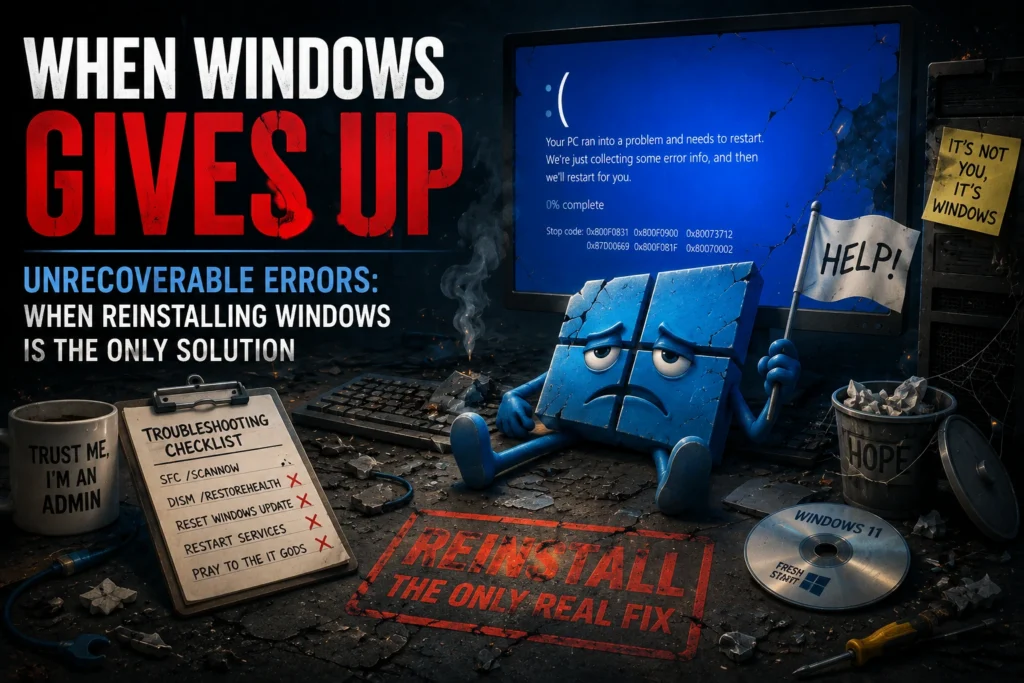
Some Windows Update errors are simple troubleshooting challenges. Others are clear indicators that your operating system is so severely damaged that repairing it is no longer a realistic option. In these situations, continuing to troubleshoot often wastes valuable time.
In this article, we’ll review the most common unrecoverable Windows errors, explain what they mean, and discuss why reinstalling Windows is often the fastest and most reliable solution.
Unrecoverable Windows Errors
The table below summarizes several Windows error codes that typically indicate severe operating system corruption and explains why recovery is often unsuccessful.
| Error Code | Meaning | Why Recovery Is Unlikely |
|---|---|---|
| 0x800f0831 | Missing file in the Component Store | Critical dependencies are broken. DISM and SFC are rarely able to restore the missing components. |
| 0x800f0900 | Corrupted update data | Windows can no longer verify update integrity, often indicating severe operating system corruption. |
| 0x80073712 | Missing critical system files | Essential Windows components are missing, making reliable recovery extremely difficult without reinstalling the OS. |
| 0x87d00669 | Update installation failed | Often caused by structural Windows Update corruption that cannot be repaired reliably. |
| 0x800f081f | Source files could not be found | Windows can no longer locate the files required to repair itself. |
| 0x80070002 | Required files are missing | Critical operating system files are unavailable, preventing normal servicing operations. |
| 0x80070570 | Corrupted file | A vital file has become unreadable, and even disk repair utilities may be unable to recover it. |
| 0x8000ffff | Catastrophic failure | A generic fatal error that often reflects deep operating system corruption. |
| 0x800f0922 | Windows upgrade failed | Frequently caused by a heavily modified or damaged operating system that cannot complete servicing. |
| 0x80244010 | Synchronization with Microsoft servers failed | Although sometimes network-related, repeated occurrences can also indicate significant Windows Update corruption. |
What Should You Do If You Encounter One of These Errors?
You can certainly try the standard repair procedures:
sfc /scannowDISM /Online /Cleanup-Image /RestoreHealth- Resetting the SoftwareDistribution folder
- Restarting Windows Update services
These techniques remain valuable and should generally be attempted first.
However, when one of these errors persists despite appropriate troubleshooting, it usually indicates that the operating system has reached a level of corruption where further repair attempts provide diminishing returns.
In enterprise environments, spending hours troubleshooting a single workstation is rarely cost-effective. A clean operating system deployment is often the fastest way to restore stability, compliance, and security.
Conclusion
A severely corrupted Windows installation is similar to a building with structural damage: sometimes rebuilding is more practical than attempting endless repairs.
Recognizing when an operating system has become unrecoverable is an important part of effective endpoint management. Rather than investing excessive time in low-probability repairs, rebuilding the device allows organizations to restore a healthy, secure, and maintainable Windows environment much more quickly.