
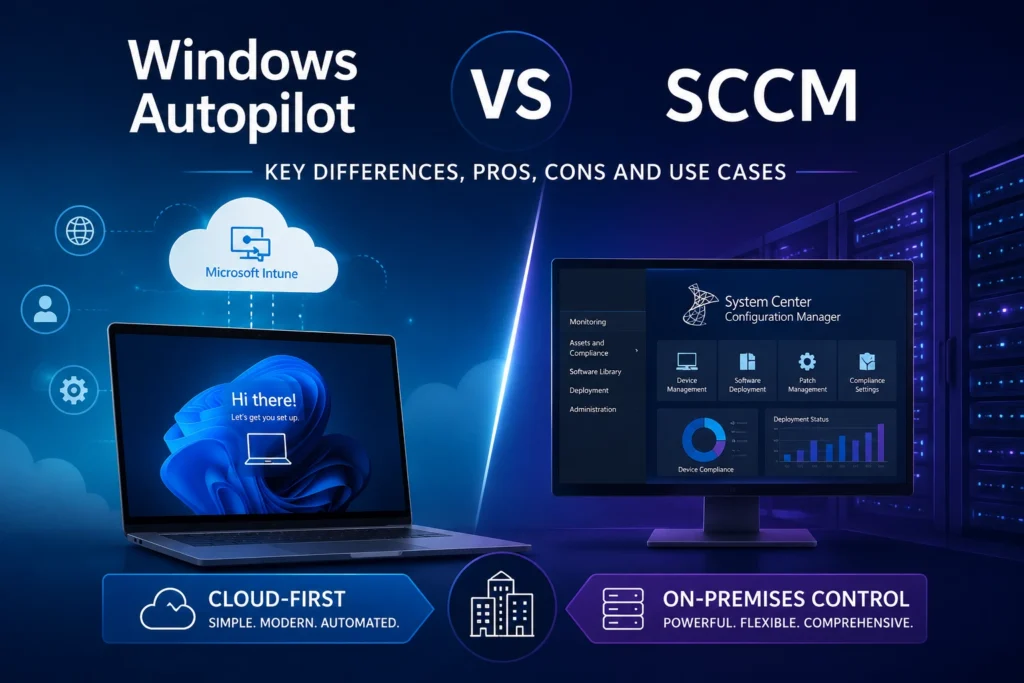
In the world of endpoint management, Windows Autopilot and System Center Configuration Manager (SCCM) are two solutions offered by Microsoft. Each addresses specific requirements and targets different IT environments. This article will help you understand their differences, advantages, and use cases so you can choose the right solution for your organization.
Overview of Windows Autopilot and SCCM
Windows Autopilot
Windows Autopilot is a cloud-first solution designed to simplify and automate the deployment of new Windows devices. It enables organizations to register devices directly with Microsoft, eliminating the need for custom images and extensive manual intervention.
Key advantages:
- Fast deployment without customized ISO images.
- Integration with Microsoft Intune for modern device management.
- Reduced time and costs associated with device provisioning.
- Improved user experience through a streamlined onboarding process.
System Center Configuration Manager (SCCM)
SCCM is an on-premises solution that provides comprehensive lifecycle management for workstations and servers. It offers advanced capabilities for application deployment, patch management, compliance, and monitoring.
Key advantages:
- Full control over endpoint management.
- Advanced Windows deployment with image management and customization.
- Granular update and patch management.
- Co-management capabilities with Intune for a gradual transition to the cloud.
Windows Autopilot vs SCCM Comparison
| Criteria | Windows Autopilot | SCCM |
|---|---|---|
| Management Model | Cloud-first (via Intune) | On-premises / Hybrid |
| Deployment | Out-of-the-box, image-free | Based on customized images |
| Updates | Managed through Intune | WSUS / Windows Update / Intune (Co-management) |
| Applications | Deployment through Intune | Advanced and highly configurable deployment |
| User Experience | Simplified and automated | Highly customizable but more complex |
| Monitoring | Basic monitoring through Intune | Advanced monitoring with detailed logs |
| Target Audience | SMBs and cloud-focused organizations | Large enterprises requiring advanced control |
Which Tool Should You Choose?
When Windows Autopilot Is Recommended
- You want to modernize endpoint management and move to a cloud-first model.
- You manage devices across multiple locations or remote workers.
- You want to reduce IT workload related to provisioning new devices.
- Your organization already uses Microsoft Intune.
When SCCM Is the Better Choice
- You operate an on-premises environment with a large number of managed devices.
- You require full control over deployments, configurations, and updates.
- You rely on custom images and complex deployment processes.
- You want to centralize the management of both servers and workstations.
Moving Toward a Hybrid Approach: Co-Management
If you are unsure whether to choose SCCM or Windows Autopilot, Microsoft offers Co-Management, which allows organizations to continue using SCCM while gradually adopting Intune and Autopilot capabilities. This hybrid approach is particularly well suited for large enterprises seeking a smooth transition to the cloud.
Autopilot vs SCCM: Conclusion
The choice between Windows Autopilot and SCCM depends on your infrastructure, IT strategy, and device management requirements. Autopilot is an excellent option for organizations embracing a cloud-first and simplified management approach, while SCCM remains the preferred solution for businesses requiring granular control and advanced management capabilities. A hybrid Co-Management strategy can also provide the best of both worlds.