
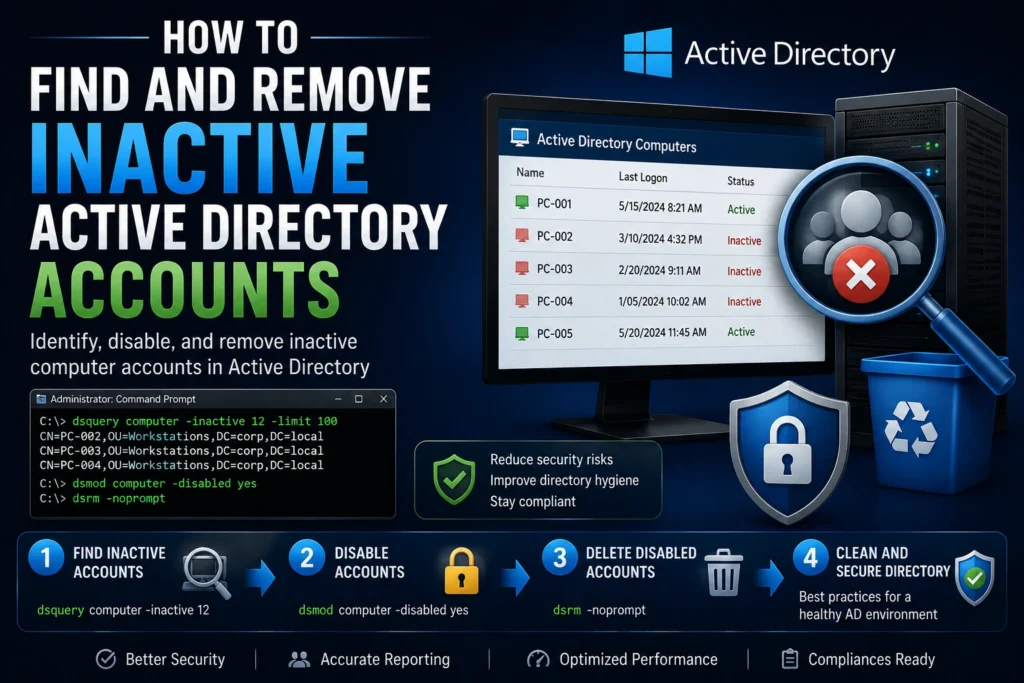
Inactive Active Directory accounts, whether they belong to users or computers, represent a hidden security risk. They can be exploited by attackers or create a misleading view of the actual state of your IT environment. Regularly identifying, disabling, and removing obsolete accounts is therefore an essential security practice.
Objective
This guide explains how to:
- Identify inactive computer accounts.
- Disable them as a precaution.
- Permanently remove them according to your organization’s retention policy.
Recommendation
🛡️ Follow a staged approach whenever possible: Identify → Disable → Delete. This minimizes the risk of accidentally removing active objects.
Tool Used: dsquery
dsquery is a built-in command-line utility available on Windows servers with the Active Directory Domain Services (AD DS) Tools installed. It allows administrators to search Active Directory using custom criteria.
Step 1 – Find Inactive Computer Accounts
To search for computer accounts that have been inactive for 12 weeks (approximately three months), while limiting the output to the first 100 results:
dsquery computer -inactive 12 -limit 100
Good to Know
You can adjust the inactivity period (-inactive) to match your organization’s retention policy. The value is specified in weeks.
Step 2 – Disable Inactive Accounts
Once the inactive computers have been identified, disable their Active Directory accounts:
dsquery computer -inactive 12 | dsmod computer -disabled yesBest Practice
💡 Consider moving disabled computer accounts into a dedicated Organizational Unit (OU) for monitoring before permanently deleting them.
Step 3 – Delete Disabled Computer Accounts
To list and delete every disabled computer account:
dsquery computer -disabled | dsrm -nopromptWarning
⚠️ The -noprompt switch deletes objects without confirmation. Use it carefully, especially in automated scripts.
Step 4 – Delete Inactive Accounts Directly
If your organization’s policy allows immediate deletion without a quarantine period:
dsquery computer -inactive 12 | dsrm -nopromptImportant Notes
- Run all commands from an Active Directory administrative session.
- Always test your commands against a test OU before running them across the entire domain.
- Keep an audit trail (CSV export or log file) of deleted objects for compliance and troubleshooting purposes.
What About User Accounts?
The same commands can be used for user accounts by replacing computer with user.
Example:
dsquery user -inactive 8 | dsmod user -disabled yesOrganizational Best Practices
- Create a dedicated OU such as _ToBeDeleted or Staging_Trash for disabled accounts.
- Automate the process using a scheduled PowerShell script or Windows Scheduled Task.
- Complement this approach with monitoring solutions such as Microsoft Entra ID Identity Protection, Configuration Manager (SCCM), or other security monitoring platforms.
PowerShell Script: Clean Up Inactive AD Computer Accounts
# (Original PowerShell script left unchanged)Note: The PowerShell script remains unchanged because PowerShell code should not be translated.
Usage
- 📋 List only: Set
$doListing = $trueand leave the other options as$false. - 🔒 Disable accounts: Set
$doDisable = $true(can be combined with$doListing). - 🗑 Delete accounts: Set
$doDelete = $true(⚠️ deletes every disabled computer account).
The generated CSV file contains both the computer names and their Distinguished Names (DNs).
A fully native PowerShell version using Get-ADComputer, Disable-ADAccount, and Remove-ADComputer can also be implemented if preferred.
Because this script relies on the native dsquery, dsmod, and dsrm utilities, it remains compatible with virtually every Windows Server running Active Directory Domain Services.
You can also schedule the script to automate periodic Active Directory cleanup.
Conclusion
Regularly cleaning inactive computer and user accounts is a fundamental part of any identity governance and cybersecurity strategy.
Using dsquery, administrators have access to a simple, native, and powerful tool for identifying, disabling, and removing obsolete Active Directory objects, helping maintain a cleaner, more secure directory infrastructure.